To log into the Client Portal, the user must first go to the login page.
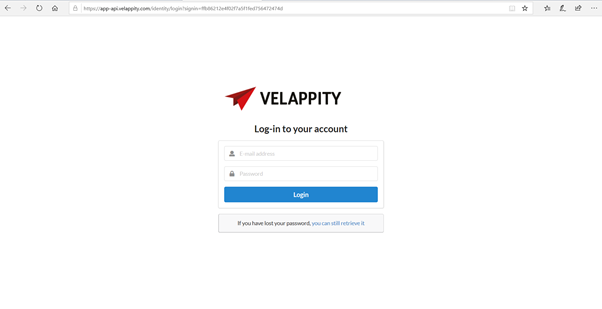
The user should then enter the email address and the password for their Velappity account.
If the user wishes to log out of the Client Portal, the user should click on the “Log Out” button in the menu column. This can be located on the panel to the left of the user’s page:
